Getting Started: GitHub Student Pack & Copilot
Nasir Mahmood Abbasi, PhD
Bioinformatics Educator
Learning Objectives & Prerequisites
- Prerequisites: A valid university email address (.edu or regional equivalent) and a standard web browser.
- Objective: Register for the GitHub Student Developer Pack and activate free access to GitHub Copilot for programmatic assistance in bioinformatics.
- Expected Output: An active GitHub Copilot subscription ready for integration into a coding environment.
📘 The Paradigm Shift in Computational Research
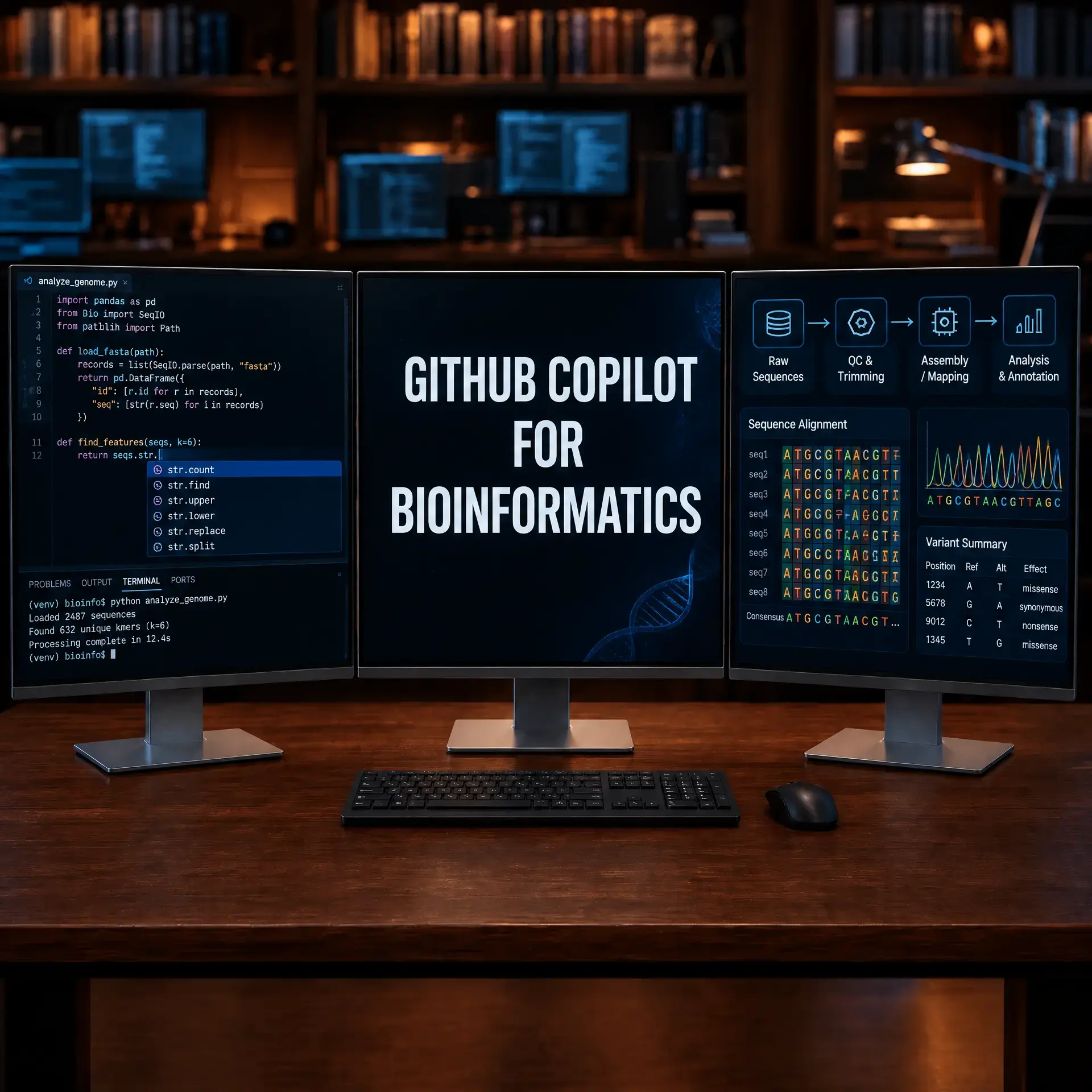
Bioinformatics workflows increasingly include AI-assisted development. Researchers can use natural-language instructions to draft, debug, and document parts of a computational pipeline, but every generated command and result still requires scientific review, testing, and reproducibility checks.
Before You Begin: Safe Copilot Setup
Use Copilot as a drafting assistant, not as an authority. Keep private data, patient identifiers, API keys, and credentials outside the editor. Work in a small practice repository so every generated change can be reviewed and reverted.
Install and verify
- Install Git and Visual Studio Code, then sign in with the GitHub account that has Copilot access.
- Install the GitHub Copilot and GitHub Copilot Chat extensions from the editor's Extensions view.
- Create a practice folder and open it as a workspace. Add a
README.mdthat states the input format, expected output, and software versions. - Ask Copilot to explain a short script before asking it to modify the script. Run the result on toy data and inspect the diff.
mkdir -p omics-copilot-practice/{data,scripts,results}
cd omics-copilot-practice
git init
echo "# Copilot practice" > README.md
printf "gene	count
TP53	12
BRCA1	8
" > data/toy_counts.tsv
Success check: you can explain every generated line, reproduce the result from the README, and see no secrets in git diff.
Unlocking Premium AI Assistance for Academic Research
Modern bioinformatics relies heavily on Artificial Intelligence coding assistants to handle repetitive scripting, debug complex statistical environments, and parse difficult documentation. However, premium AI tools can be prohibitively expensive for students and early career researchers. Fortunately, the GitHub Student Developer Pack provides full, complimentary access to GitHub Copilot, one of the most powerful AI pair programmers available.
1. Securing the GitHub Student Developer Pack
The first step is verifying your academic status with GitHub. This requires a standard GitHub account and proof of university enrollment.
Step by Step Registration
- Navigate to the GitHub Education Portal.
- Click the Sign up for Student Developer Pack button. If you do not already possess a GitHub account, you will be prompted to create one.
- Add your official university email address to your GitHub profile. While other forms of verification exist, a university email greatly accelerates the automated approval process.
- Upload any requested documentation. In some cases, GitHub may request a scan of your student identification card or a recent transcript to verify current enrollment.
- Submit the application. Approvals are often instantaneous if a recognizable university email is utilized, but manual reviews can occasionally take several days.
2. Activating GitHub Copilot
Once your academic status is verified, you must explicitly enable the Copilot service on your account. Copilot acts as the foundational model that will assist you in writing R and Python scripts for genomic analysis.
Enabling the Service
- Log into your approved GitHub account and click your profile picture in the top right corner.
- Select Settings from the dropdown menu.
- In the left sidebar, locate the Code, planning, and automation section, and select Copilot.
- Follow the prompts to activate the service. Verified students may be eligible for student access at no additional cost, subject to GitHub's current eligibility criteria and terms.
- You will be presented with a settings panel. If you enable suggestions that may match public code, review the generated code carefully and check license compatibility before incorporating it into a research project. Libraries such as
SeuratandScanpystill require version-aware documentation checks.
3. The Concept of Vibe Coding in Biology
With Copilot activated, it is crucial to understand how to utilize it effectively. "Vibe coding" involves writing descriptive, intent-based comments, allowing the AI to generate the corresponding syntax.
Instead of manually consulting documentation to recall how to perform a Principal Component Analysis in Python, you communicate your biological intent directly within the code editor.
An Example Workflow
# Load the normalized single-cell RNA-seq count matrix
# Filter out cells with fewer than 200 expressed genes
# Perform Principal Component Analysis (PCA) and plot the first two components
Upon typing these instructions as comments, GitHub Copilot will automatically generate the requisite pandas, scanpy, and matplotlib syntax. The bioinformatician's role transitions from writing the code to verifying the biological accuracy of the output.
Conclusion
By securing the GitHub Student Developer Pack and activating Copilot, you have laid the groundwork for an AI augmented research environment. This free tier provides the exact same capabilities utilized by professional software engineers, directly accessible for your scientific data analysis.
✅ Key Takeaways
- University email addresses expedite the GitHub verification process.
- GitHub Copilot access is fully complimentary under the Student Developer Pack.
- Vibe coding shifts the focus from syntax memorization to biological intent and logic.
- Always verify AI generated code against established scientific best practices.
Knowledge Check & Assessment
1. Concept Verification
Why is it beneficial to allow Copilot to suggest code matching public code for bioinformatics applications?
2. Practical Execution
Successfully navigate to your GitHub settings and confirm that your Copilot subscription displays as active and free.
Reviewed: September 2026
All commands and outputs were verified with the software versions listed in this tutorial. If you encounter reproducibility issues, please report them through the Contact page.
Author: Nasir Mahmood Abbasi, PhD · Category: AI-Driven Research & Agentic Bioinformatics