Git and GitHub for Bioinformatics
Nasir Mahmood Abbasi, PhD
Bioinformatics Educator
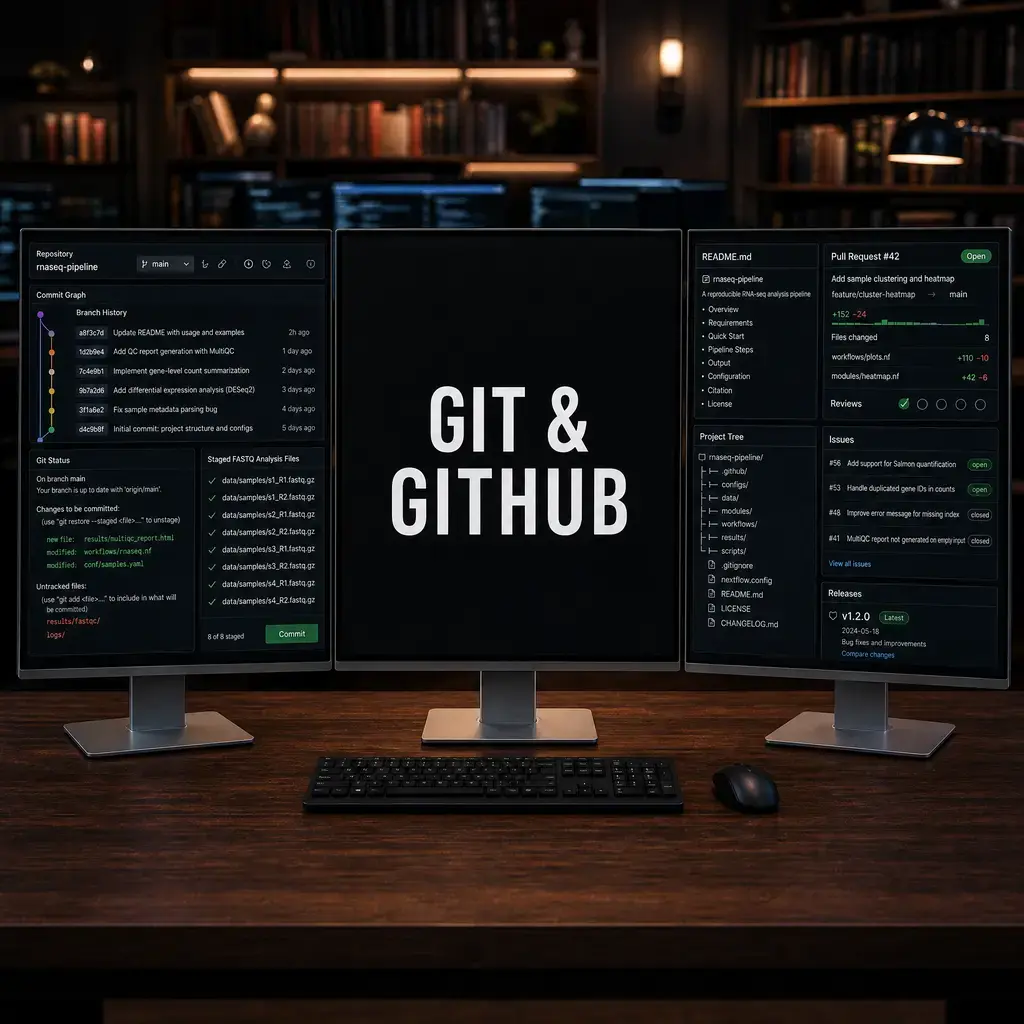
Git records how a project changes over time. GitHub provides a collaborative home for repositories, issues, releases, and documentation. Together they make it possible to identify the exact scripts and configuration used to produce a result. Never commit private patient data or credentials.
Learning Objectives & Prerequisites
By the end of this lesson, you should be able to:
- Create a repository, make commits, inspect history, and use branches.
- Write a useful README and
.gitignorefor a bioinformatics project. - Push code without exposing raw data, passwords, tokens, or private identifiers.
- Use issues and pull requests for review.
Prerequisites:
- Complete Computer and Data Fundamentals.
- Install Git and create a GitHub account if you want to push to a remote repository.
By the end of this lesson, you should have: A local repository with a README, a meaningful first commit, a .gitignore, and a clean git status before publishing or sharing code.
1. Start a reproducible repository
A repository should contain scripts, configuration, documentation, and small example data - not an uncontrolled dump of raw sequencing files.
mkdir omics-demo && cd omics-demo
git init
printf "# Omics demo\n" > README.md
printf "*.fastq.gz\n.env\nresults/\n" > .gitignore
git add README.md .gitignore
git commit -m "Initialize reproducible project"
2. Record meaningful changes
A commit should represent one understandable change. Use git diff before committing and write messages that explain what changed.
git status
git diff
git log --oneline --decorate -5
git add scripts/
git commit -m "Add read QC summary script"
3. Connect a remote safely
Use SSH keys or a credential manager. Never put a personal access token in a URL, shell history, notebook, or script.
git remote add origin https://github.com/USER/REPO.git
git branch -M main
git push -u origin main
4. Reproducibility checklist
Record software versions, environment files, reference versions, command parameters, and the commit hash associated with a result.
git rev-parse --short HEAD
python --version
conda env export --from-history > environment.yml
5. Setting Up a Bioinformatics Repository
# Initialize a new project
mkdir rnaseq-analysis && cd rnaseq-analysis
git init

# Configure your identity (required once per machine)
git config user.name "Your Name"
git config user.email "your.email@institution.edu"

# Create the standard bioinformatics .gitignore
cat > .gitignore << 'EOF'
# Large data files – track with DVC or external storage
data/raw/
*.fastq.gz
*.bam
*.bai

# Temporary and generated files
*.pyc
__pycache__/
.ipynb_checkpoints/

# Environment files
envs/
.venv/

# OS files
.DS_Store
Thumbs.db

# Sensitive credentials
.env
*.key
EOF

git add .
git commit -m "Initial project structure"
6. Branching and Feature Development
Branches let you experiment without risking your stable analysis. Use descriptive branch names:
# Create a branch for a new analysis
git checkout -b feature/add-deseq2-analysis

# Make changes, commit incrementally
git add scripts/run_deseq2.R
git commit -m "Add DESeq2 differential expression script"

git add results/figures/volcano_plot.webp
git commit -m "Add volcano plot from DESeq2 results"

# When the analysis is complete and verified, merge back
git checkout main
git merge feature/add-deseq2-analysis
git branch -d feature/add-deseq2-analysis
7. Commit Discipline
Good commit messages are essential for understanding the history of an analysis. Follow the conventional commit format:
# Good commits – each captures one logical change
git commit -m "Add QC filtering step: remove genes with < 10 total counts"
git commit -m "Fix chromosome naming mismatch between FASTA and GTF"
git commit -m "Update DESeq2 from v1.40 to v1.42 for apeglm shrinkage"

# Bad commits – vague, bundled, or meaningless
git commit -m "updates"
git commit -m "fixed stuff"
git commit -m "final version v3"
8. Handling Large Files with Git LFS or DVC
Raw sequencing data (FASTQ, BAM) should never be committed directly to Git. Use Git LFS or DVC for large file tracking:
# Option 1: Git LFS for moderately large files
git lfs install
git lfs track "*.bam"
git lfs track "*.fastq.gz"
git add .gitattributes
git commit -m "Configure Git LFS for sequencing files"

# Option 2: DVC for very large datasets
pip install dvc
dvc init
dvc add data/raw/sample_R1.fastq.gz
git add data/raw/sample_R1.fastq.gz.dvc .gitignore
git commit -m "Track raw FASTQ with DVC"
9. Conflict Resolution
When two collaborators edit the same file, Git reports a merge conflict. Resolve it systematically:
# Attempt to merge
git merge collaborator/branch-name

# If conflict occurs, Git marks the file:
# <<<<<<< HEAD
# your version of the code
# =======
# their version of the code
# >>>>>>> collaborator/branch-name

# Steps to resolve:
# 1. Open the conflicting file
# 2. Choose the correct version (or combine both)
# 3. Remove the conflict markers
# 4. Test that the code still works
# 5. Stage and commit

git add scripts/run_analysis.R
git commit -m "Resolve merge conflict in run_analysis.R: keep updated filter threshold"
| Problem | Cause | Solution |
|---|---|---|
fatal: not a git repository |
Not in a Git-initialized directory | Run git init or cd to the correct directory |
| Accidentally committed large files | Forgot .gitignore |
Use git rm --cached file and update .gitignore |
Lost work after git reset --hard |
Destructive reset | Use git reflog to find and recover the lost commit |
| Push rejected | Remote has newer commits | Run git pull --rebase before pushing |
Practical Exercise
Create a small repository containing a README, .gitignore, one script, and an environment file. Make two commits and use git log to show the history.
Pass criteria: The repository history contains two meaningful commits, no credentials or raw human data are tracked, and the README explains how to reproduce the example.
Troubleshooting
If a push is rejected, pull and inspect the remote history before forcing anything. If a secret was committed, rotate it immediately; deleting the file is not enough because it remains in Git history.
Knowledge Check & Assessment
1. Concept Verification
Write short answers explaining the main concepts, the assumptions behind them, and one way a careless workflow could produce a misleading result.
2. Practical Execution
Complete the practical exercise above and save the command, script, table, or figure in the project structure. Pass Criteria: The repository history contains two meaningful commits, no credentials or raw human data are tracked, and the README explains how to reproduce the example.
3. Troubleshooting
Explain what you would inspect first if the output were empty, malformed, unexpectedly large, or failed because of a missing file, package, permission, memory, or metadata problem.
Next Steps
Continue with Reproducible Project Structure and Python Fundamentals. Record the software versions, dataset or example inputs, and any decisions you made.
Reviewed: April 2026
All commands and outputs were verified with the software versions listed in this tutorial. If you encounter reproducibility issues, please report them through the Contact page.
Author: Nasir Mahmood Abbasi, PhD · Category: Foundations & Prerequisites